Please Sign In to contact this author.
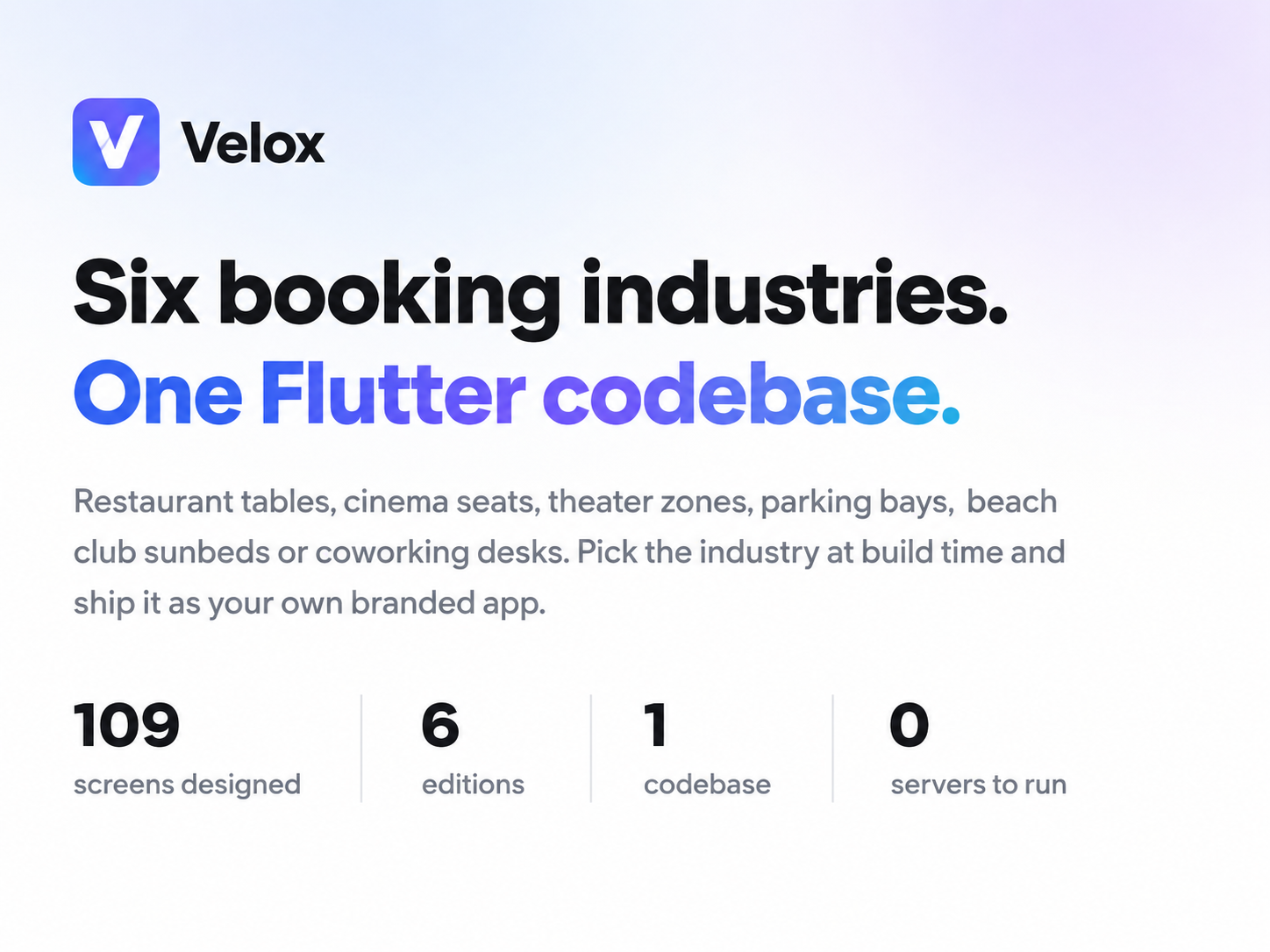
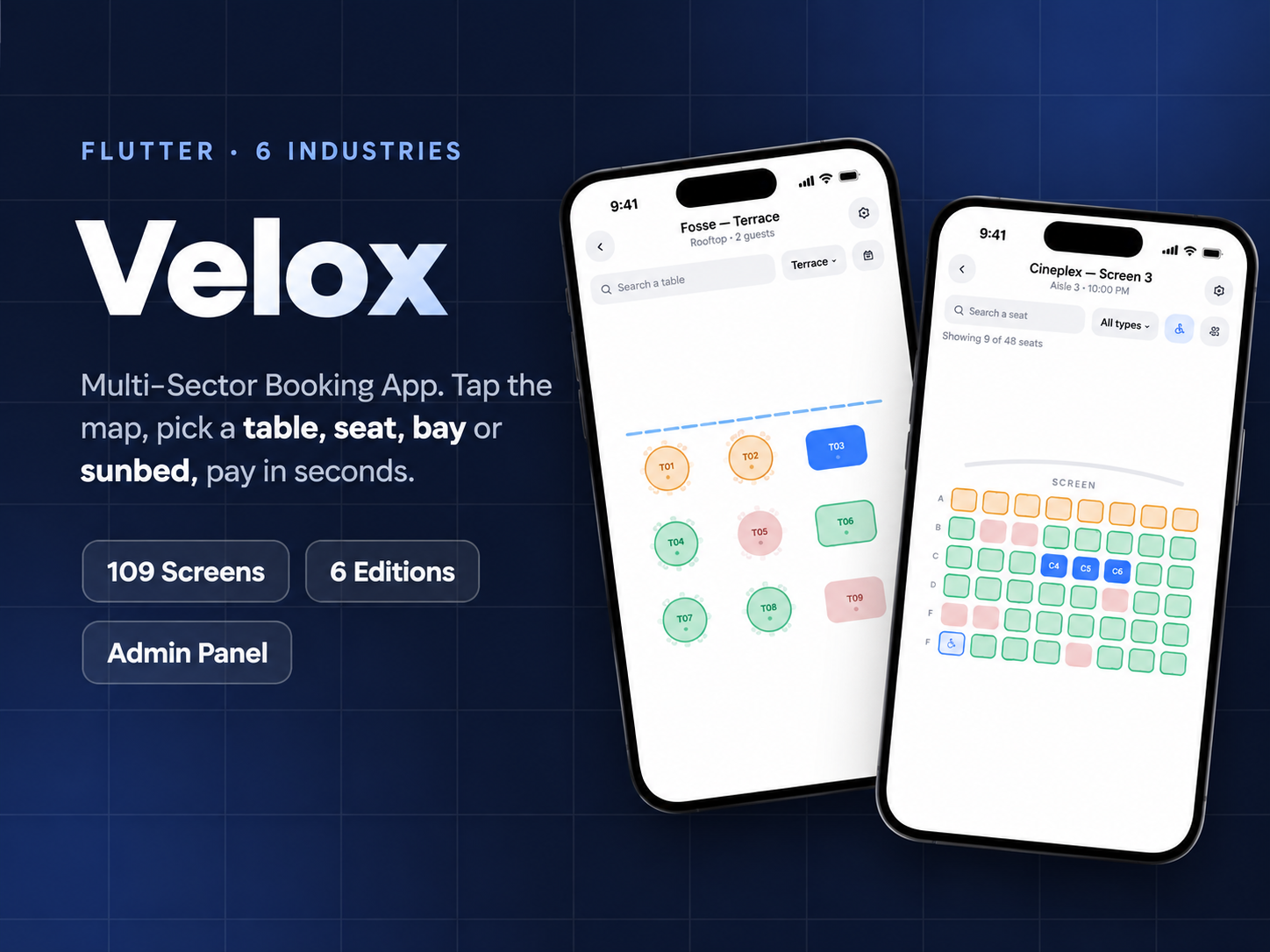
Velox is a Flutter booking application. The same project builds a reservation app for a restaurant, a cinema, a theater, a parking garage, a beach club or a coworking space — you choose which by the entrypoint you run, not by forking the source.
What changes between editions is the thing your customer selects: a table on a floor map, a seat in an auditorium, a price zone, a parking bay, a sunbed in a row, a desk or a meeting room. What does not change is everything around it — onboarding, sign in, checkout, bookings, profile and notifications are one implementation shared by all six.
It runs on bundled sample data, so there is nothing to stand up before the first build — unzip, run, and every screen works. When you want accounts and data that outlive the session, switch to Firebase with one flag on the build command: Authentication and Cloud Firestore sit behind the same interfaces the sample data uses, and the security rules, indexes and a seed script ship with the item. No screen changes, and there is no server code to deploy.
An edition is an entrypoint plus a sector configuration. lib/main_restaurant.dart and lib/main_cinema.dart are five lines each; they hand the app a configuration object that names the booking unit, its plural, the copy around it and the sample venue it opens on. Adding a seventh industry means adding a configuration and an entrypoint, not editing screens.
That is why the shared core is worth more than the six editions: 28 of the 109 designed screens are common, so checkout, authentication, the bookings list and the notification centre have one implementation and behave identically whichever edition you ship.
Core, 28 screens — Onboarding across three slides, sign in with a customer and an operator role, sign up, forgot password and verification, venue detail, date and party pickers, checkout, booking confirmed, booking detail, reschedule, cancellation with the refund sheet, refund status, payment failed, hold expired, my bookings with past and upcoming, empty and rating states, payment methods, membership, profile, edit profile, notification preferences, notifications, points and rewards, and account deletion.
Each edition, 12 or 13 screens — Its own onboarding, sign in, sign up and paywall, its home and listing, the booking map that is the point of the edition, the date and time step, checkout, confirmation, its bookings list, profile and notifications.
Admin, 7 screens — Reservation list, calendar, reservation detail with status control, the map list, map settings, the tablet map builder, and QR check-in.
Screens talk to repository interfaces, never to a provider. The bundled sample repository implements them, and so does the optional Firebase layer, which is what makes swapping in your own API a matter of writing one class rather than editing screens.
The compliance guards are part of the test suite. They are unusual and deliberate: a colour literal outside the theme breaks dark mode, a hardcoded string breaks localization, and a leftover com.example identifier fails a store submission. Each of those is a promise the item makes to you, so each one fails the build rather than a code review.
Bookings have to be taken by somebody, so the operator side ships with the item rather than as a separate purchase. It signs in through the same screen as a customer does, on a role rather than a second app, and it is drawn from the same design tokens — so rebranding covers both at once.
The map builder is the piece that makes the six editions work: it is where a floor becomes a set of bookable units. Draw the room on a tablet, place the tables or the bays, and the customer-facing map in the app is booking against exactly that layout.
BrandConfig holds your application name, the name of your membership tier, the logo paths, the currency you charge in, your default locale and your support, website, privacy and terms links. tokens.dart holds the palette. Between them that is the whole rebrand — and because a guard test fails the build on any colour written outside the theme, changing the accent really does change it everywhere.
English and Turkish ship, as ARB files with a test that fails when the two fall out of parity, so a new key cannot be added to one and forgotten in the other. Right-to-left layout is supported, and dates, times and currency are formatted for the active locale rather than hardcoded.
Setup guidance and bug fixes are included. The documentation ships with the download and covers installation, a screen-by-screen tour, choosing and configuring an edition, branding and colour, localization, swapping the sample data layer for your own backend, and store submission.
v1.0.0
– Initial release
– Six booking editions: restaurant, cinema, theater, parking, beach club, coworking
– 46 screens built, from a design of 109 that ships with the item
– Operator admin panel with reservations, calendar, QR check-in and the map builder
– Runs on bundled sample data out of the box; Firebase Auth and Firestore with one build flag
– Light and dark themes from one token set
– English and Turkish, with right-to-left layout support